
The idea for building a custom module came from a simple but important requirement:
Editing rights should be restricted to only specific roles
This served as the foundation for developing a module that served this purpose.
The BBD Node Restrictions module is a custom module which allows site builders and/or administrators to restrict editing operations on actual nodes based on user roles. The module offers role-based editing permissions at the individual node level, providing editors to manage who can modify or interact with certain nodes.
By default, Drupal's permission system controls access globally - for example, a user with node permissions can edit a News Article content type, this generally results in all nodes under the News Article content type to be edited - which is often too broad for some clients.
Solution based on requirements
The primary purpose of the BBD Node Restrictions module is to restrict editing rights at the node level to only specific roles, so that only selected roles can edit certain nodes and that all other users can still view the content (restrictive access) but cannot modify.
How to use
Once module is installed
Go to main menu "admin/structure/types" and choose which content type of the node you would like to restrict.
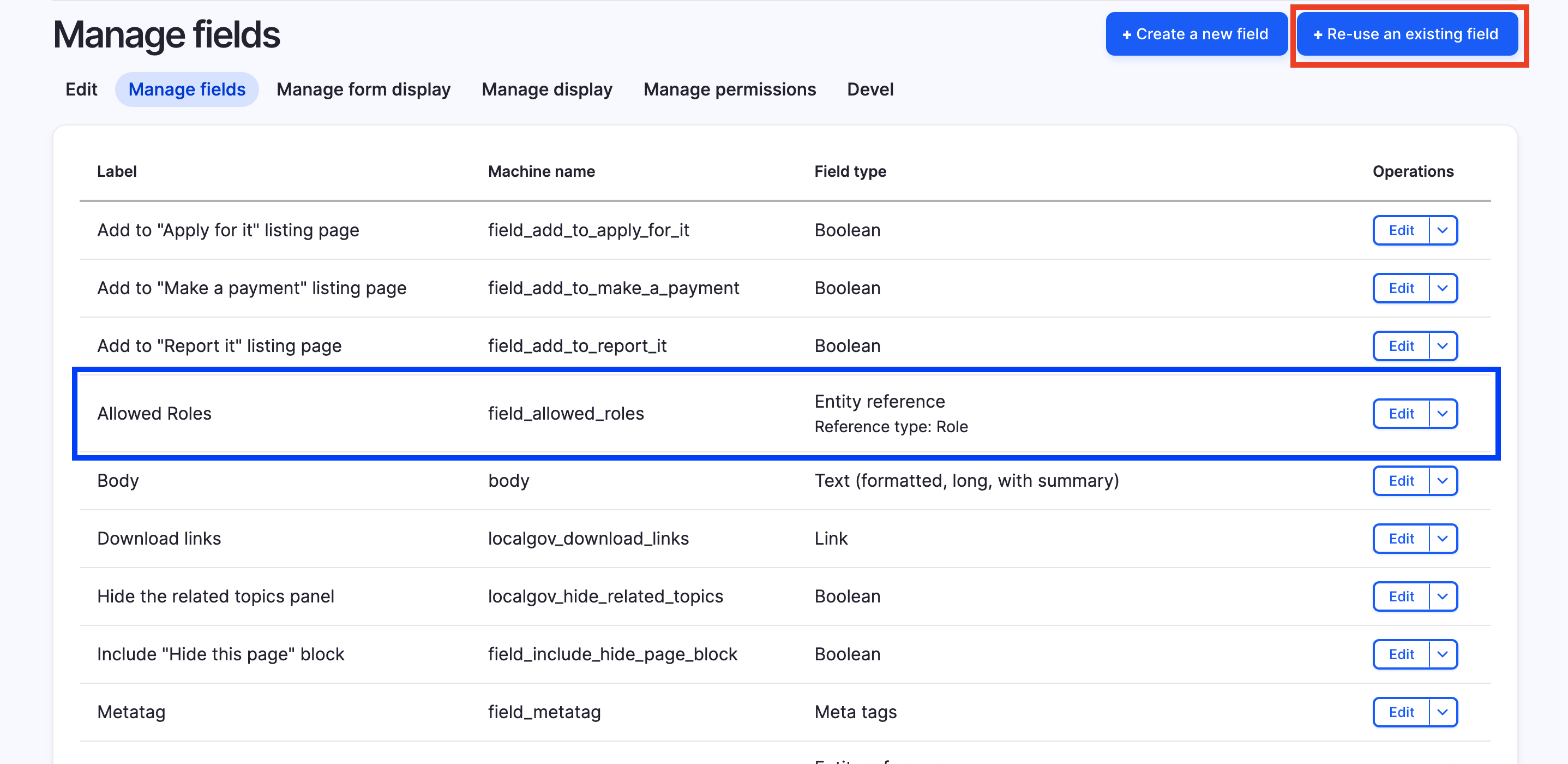
Once chosen content type is selected, click "manage fields" and on the top right select "field_allowed_roles".
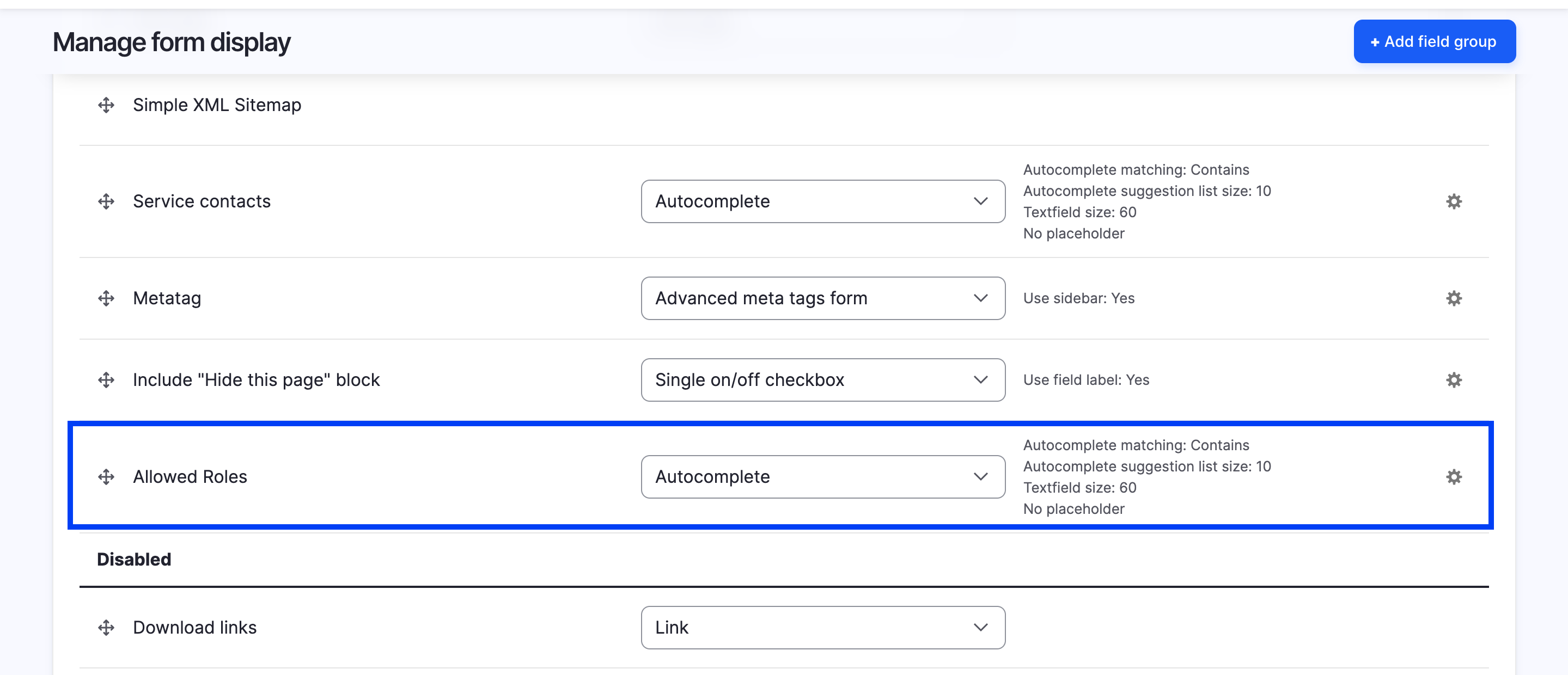
- Next, click on "Manage form display" and ensure that the "Allowed Roles" is enabled using the Autocomplete widget.
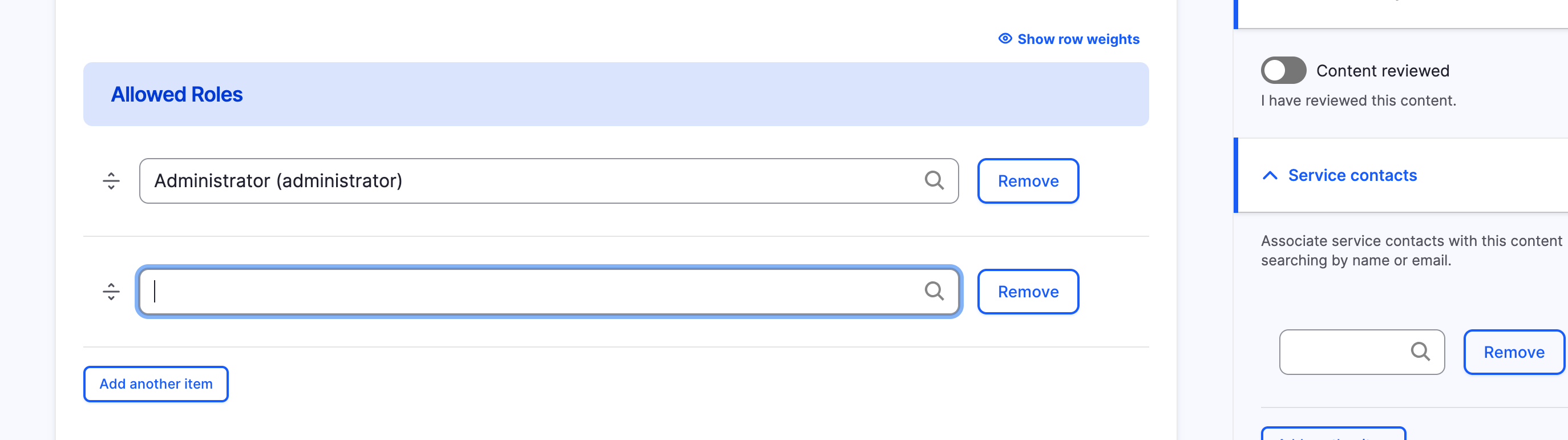
Create new node of content type you would like to restrict and add the roles you would want roles to have full editing access
What should you see
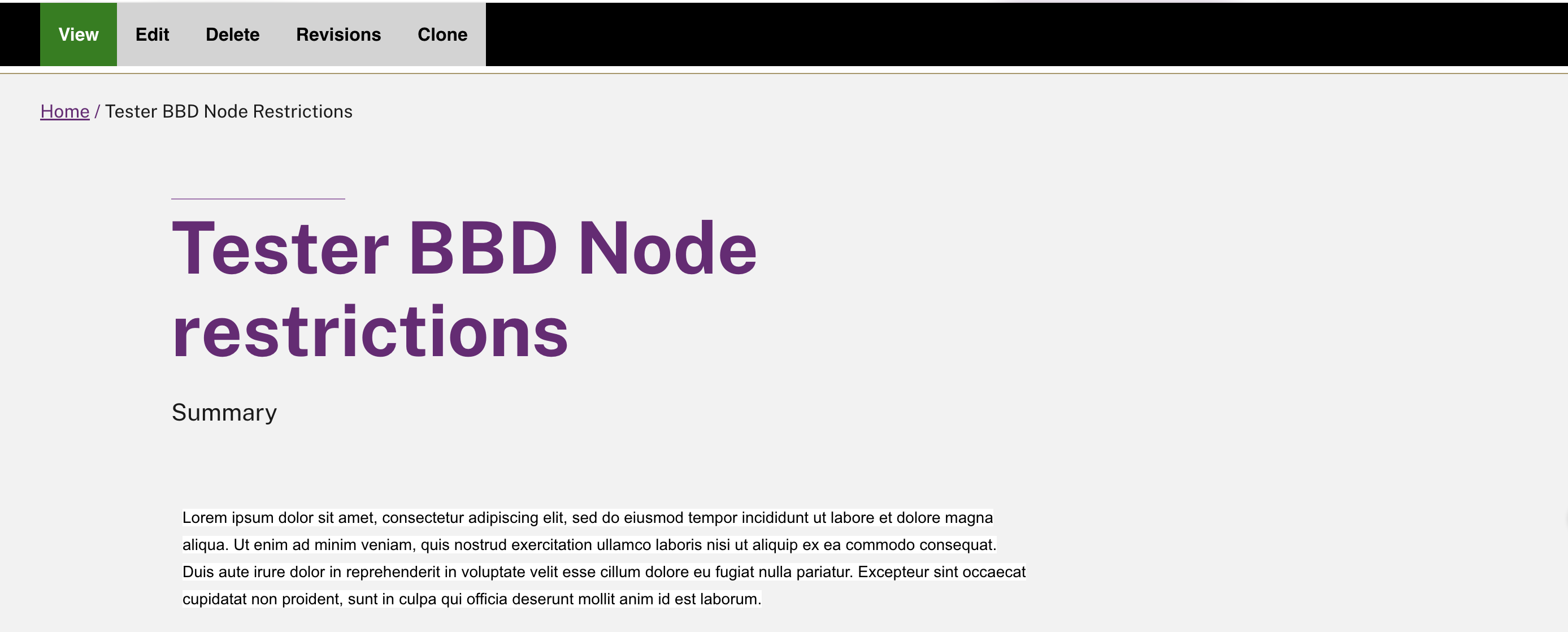
If Editor is the allowed role for an article named Tester - BBD Node Restrictions, Editor should now see this:

However, for non-allowed roles, they should see this:

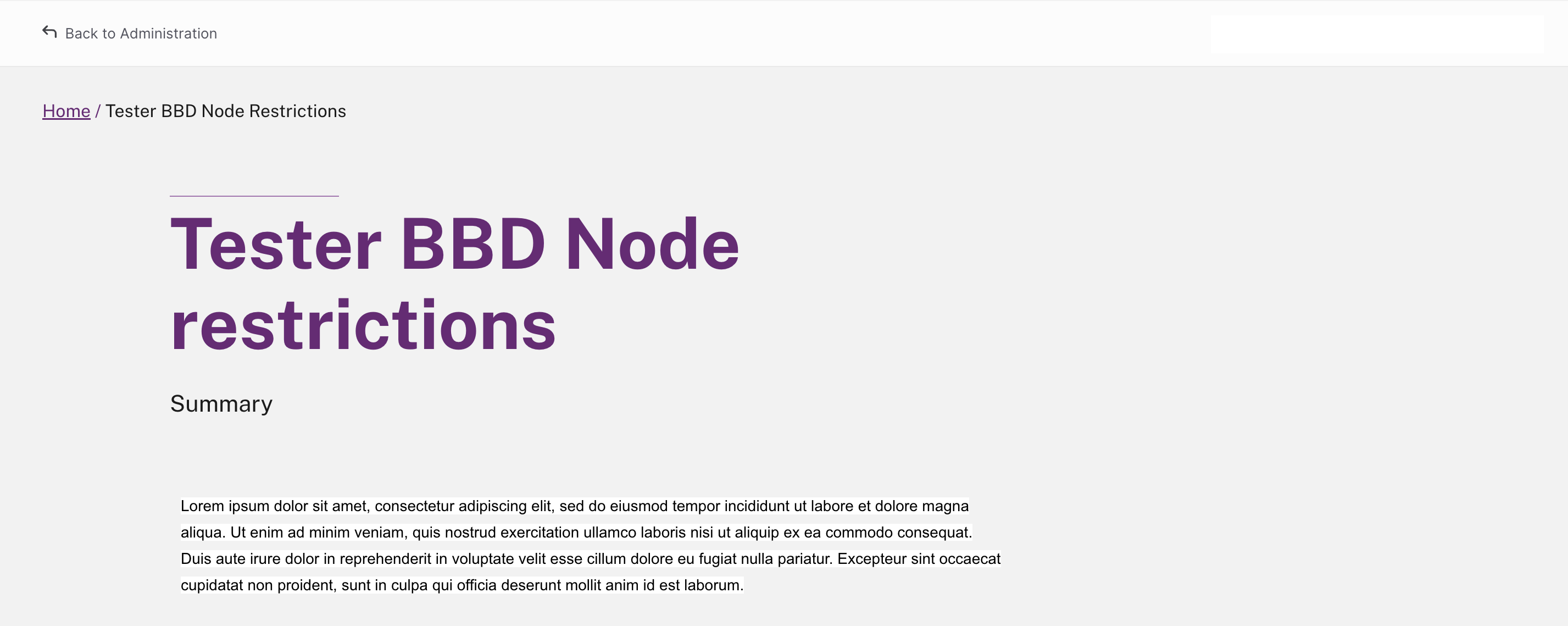
One of the great things about this module is how it lets you control editing on a per-node basis. For example, Tester - BBD Node Restrictions (node name) is a service page content type if the Author (role) has global permissions to edit all service pages, they won't be able to edit this Tester - BBD Node Restrictions page as the Author is not included within the allowed roles. However, they can still edit all other nodes under the service page content type - so you get precise control without locking anyone out completely.
If no allowed roles are set for a node, the module defaults to the Drupal global permissions, so Authors (or any other roles) with the right global access can edit by default.
Restricted Operations Included:
This module will restrict access to the following operations (by default), these can be customised based on client requirements:
 public const RESTRICTED_OPERATIONS = [
    'update',
    'delete',
    'view all revisions',
    'revert revision',
    'delete revision',
    'clone',
    'view scheduled transition',
  ];
The outcome of the module
- Users not part of the allowed role within the node will have no editing access
- Those operations will be hidden from contextual links and operations menu
- Users within allowed roles will retain full editing access